Free AI Gantt Chart Maker
Create a timeline in a few seconds to visualize and manage your work.

How it works
- 1
Enter a brief project description
Tell us your goal, timeframe, and teams.
- 2
Click “Generate with AI”
We’ll turn your prompt into a Gantt-ready WBS with phases, tasks, and suggested dependencies.
- 3
Review and edit your plan in GanttPRO
Open and refine your plan in GanttPRO to adjust dates, dependencies, and balance workload.
1M+ project managers build and
manage Gantt charts with GanttPRO
How to use AI to make a Gantt chart
- Step 1

Type project description
Briefly or in detail describe your project to get the exact AI Gantt chart you need.
- Step 2
Generate a project
Click on the generate button to turn your prompt into a ready-to-use project.
- Step 3
Сollaborate in GanttPRO
Open your Gantt chart AI in the app to continue working and collaborating on it.
What you get with GanttPRO’s AI Gantt chart maker
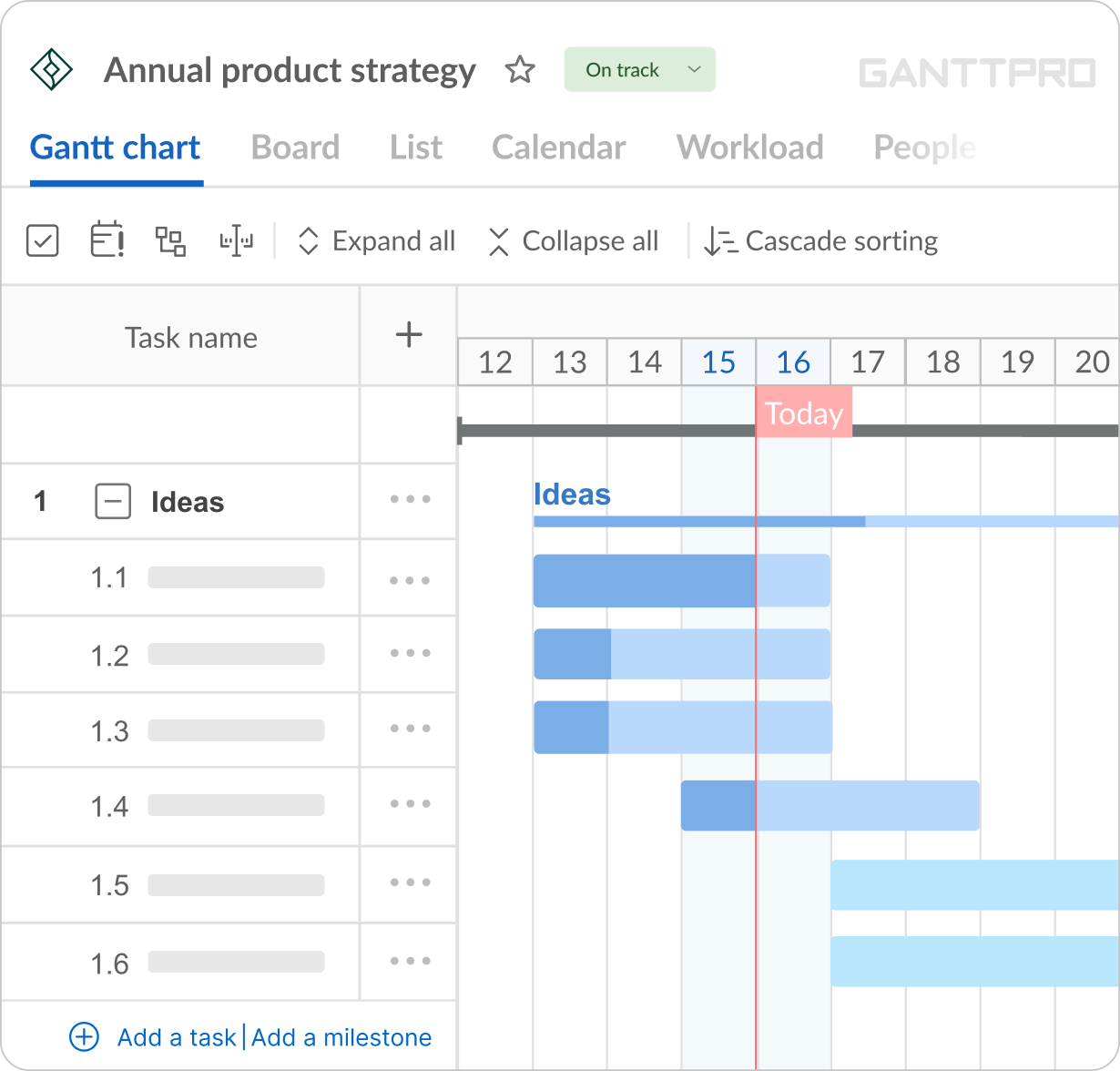
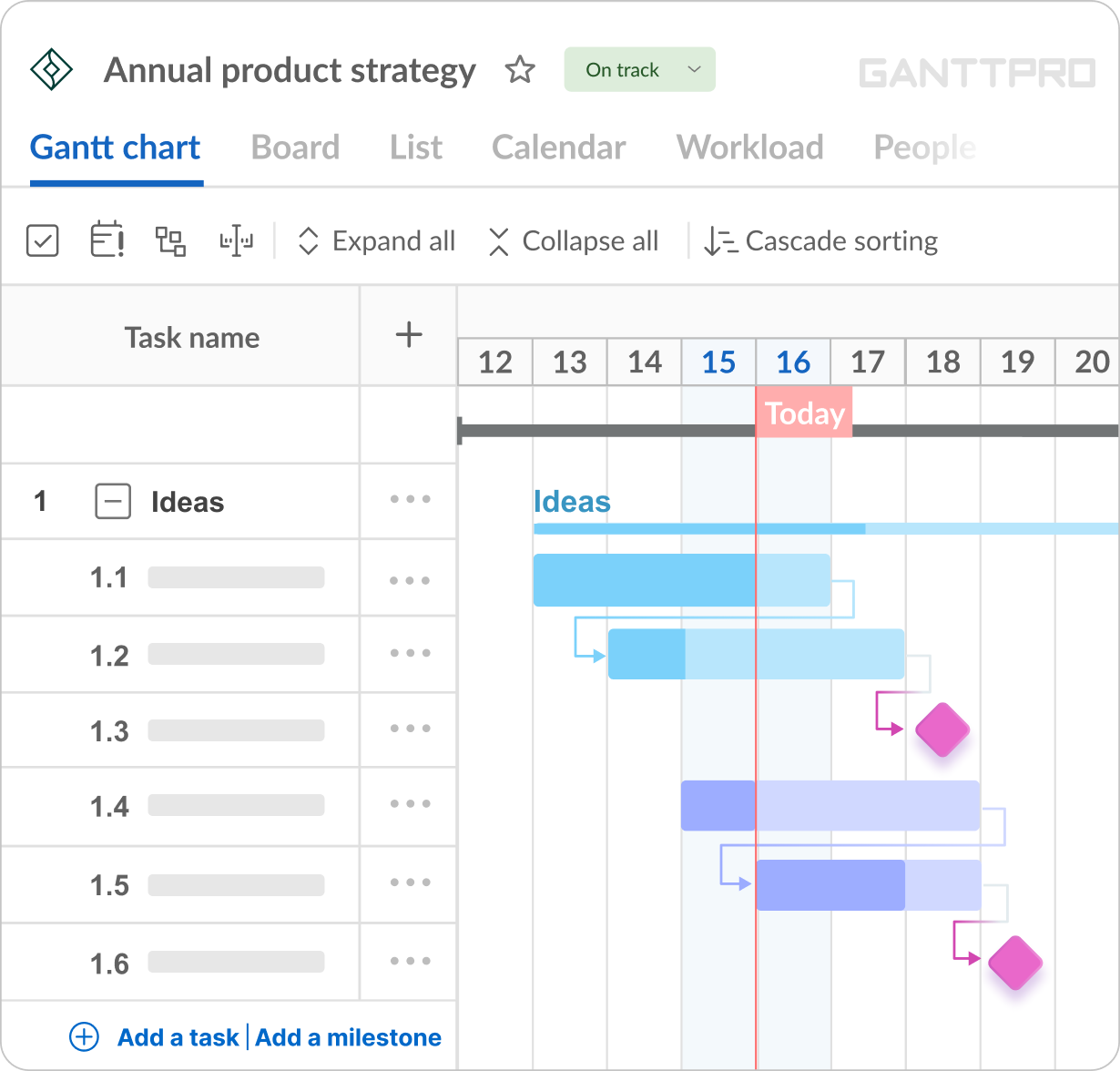
AI Gantt breaks down your project into task groups first, then divides each phase into clear tasks.
You’ll get a plan that is easy to understand and read.The AI tool for Gantt charts maps your activities the way they happen in real projects.
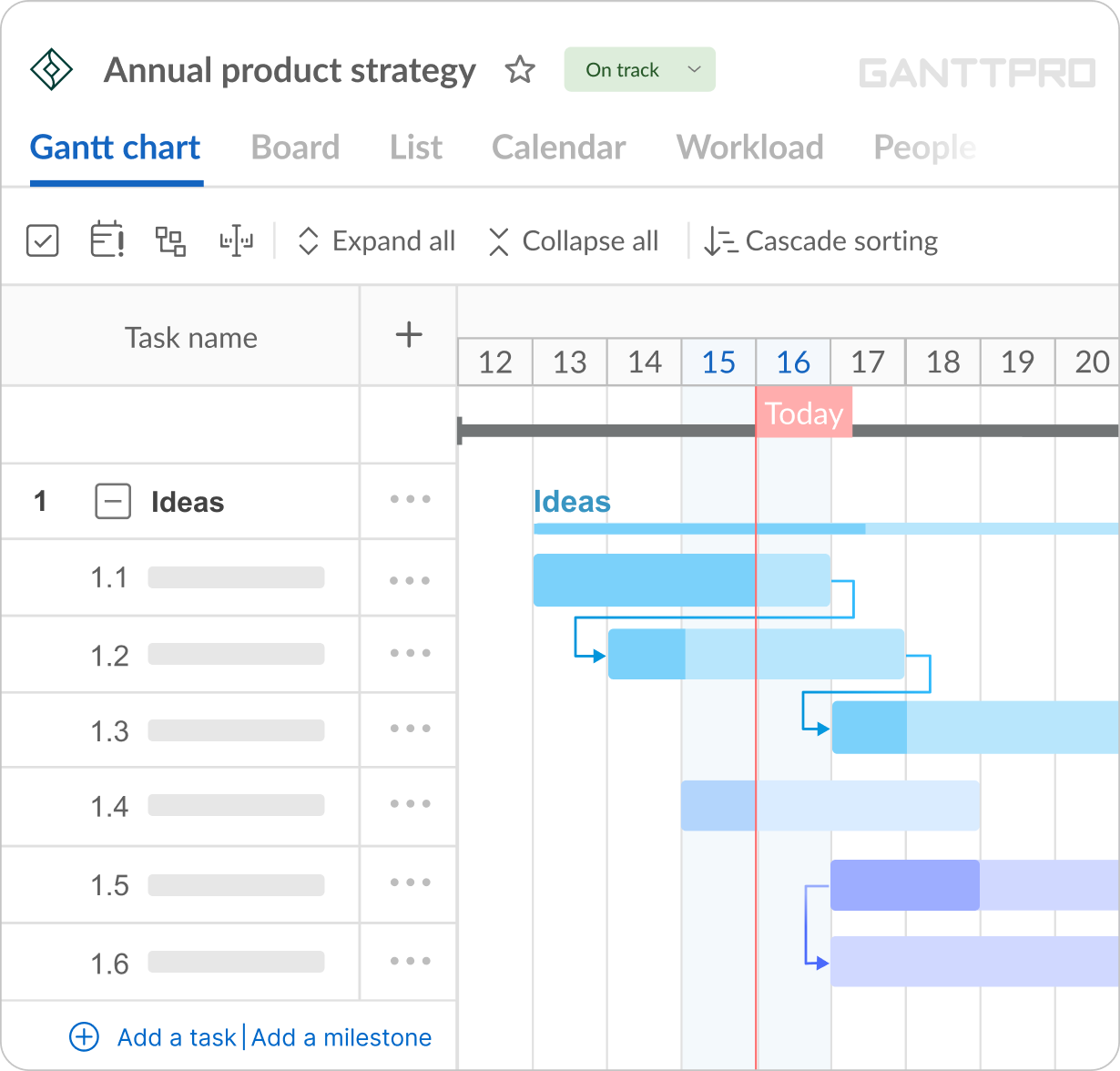
You’ll get a structure where tasks are arranged in a realistic order, with a clear and practical project timeline.GanttPRO instantly structures your timeline with clear milestones.
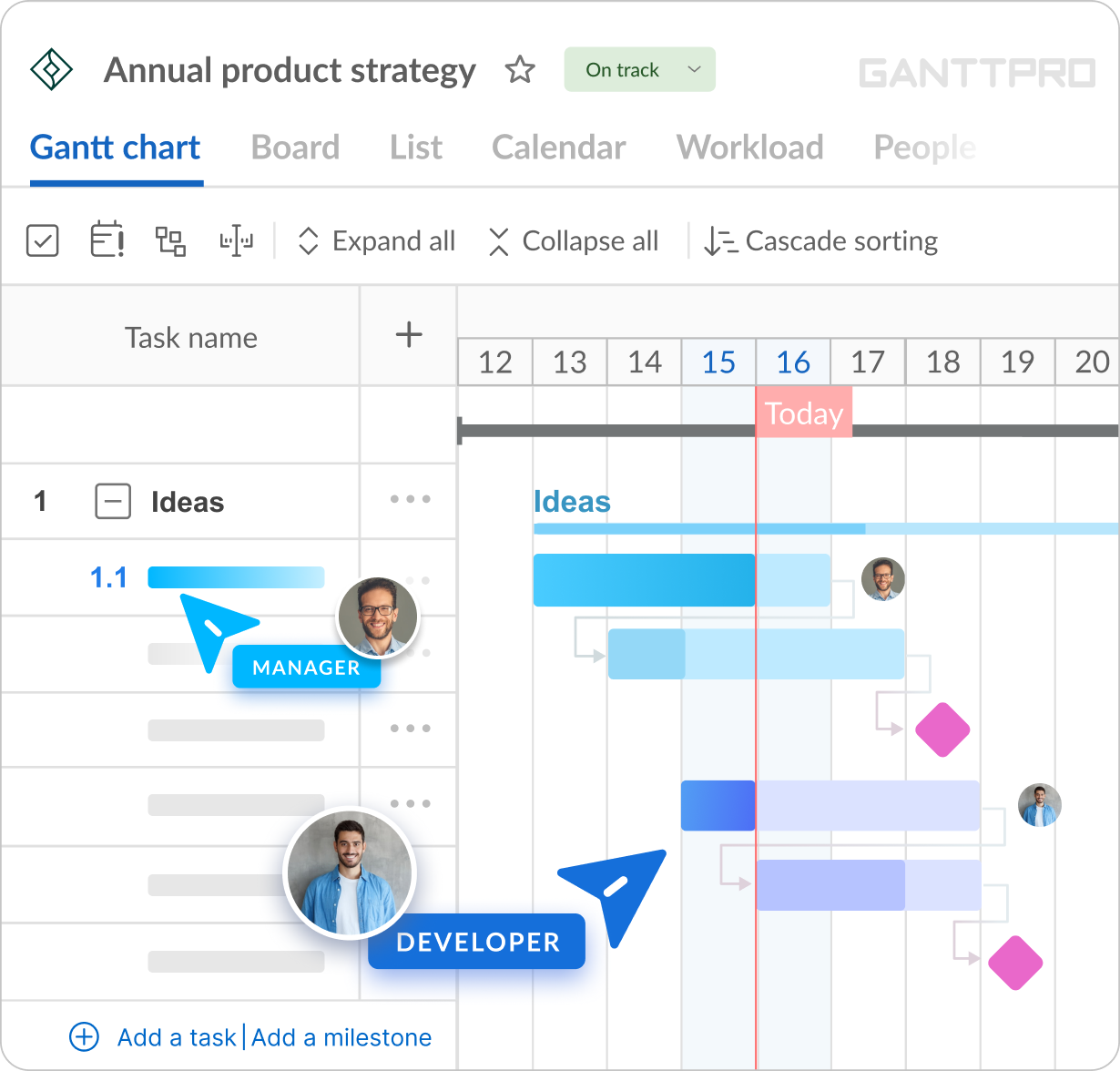
You’ll get important control points that are measurable, not guessed.The AI uses realistic roles from your industry, not names, and distributes them across tasks.
You’ll get a plan that is immediately actionable.
How GanttPRO’s AI Gantt chart maker works
See how it works and start planning in just 2 minutes.
Frequently asked questions
- An AI Gantt chart maker is a tool that automatically creates ready-to-use Gantt charts based on your project description. It lets you jump straight into project management and save hours of manual planning.
- Yes, GanttPRO’s AI Gantt chart generator is free to use for creating plans and projects. If you want to customize your charts and continue working on them, you can start a 14-day free trial. After the trial ends, a paid subscription is required.
- GanttPRO's free AI Gantt chart maker eliminates the blank-page problem and helps you create professional Gantt charts in seconds. Simply describe your project in plain language, and the AI will generate a structured first draft you can start using immediately. It will include tasks, dependencies, phases, milestones, and role assignments.
- GanttPRO’s generator follows a practical project planning workflow. It starts by identifying the industry and project type, then maps the typical project journey with the steps commonly required in real projects. Next, it builds structured phases and breaks them down into detailed tasks. The generator then connects tasks with logical dependencies, adds key milestones, and assigns realistic roles (not names) across the project.
- Absolutely! All Gantt charts created with GanttPRO’s AI are fully customizable. Edit task dates and duration, change assignees, adjust timelines, modify dependencies, and add standard or custom fields. You have full control to refine and manage your AI-generated charts.
- Simply invite your team members to your project and start collaborating using all of GanttPRO’s features during the 14-day free trial. After the trial ends, a paid subscription is required.
- Absolutely! You can export your Gantt charts in PDF, PNG, XML, or Excel formats. It gives you flexibility to share or use them anywhere. A wide range of export options is available.
- No. Simply provide a clear project description. Think of it as a short brief to an experienced project manager. The goal is not to write a long story - it’s to give the AI the key information it needs to structure your project correctly: the scope, essential tasks, involved roles, desired level of detail, and what to exclude.
The more precise your description, the more accurate and goal-aligned your AI-generated plan will be. - Rest assured - GanttPRO’s AI generates plans tailored to your industry. It identifies the type of work you describe and adapts your plan to the standard project journey for industries like construction, marketing, IT, manufacturing, event planning, and others.